BidWrangler
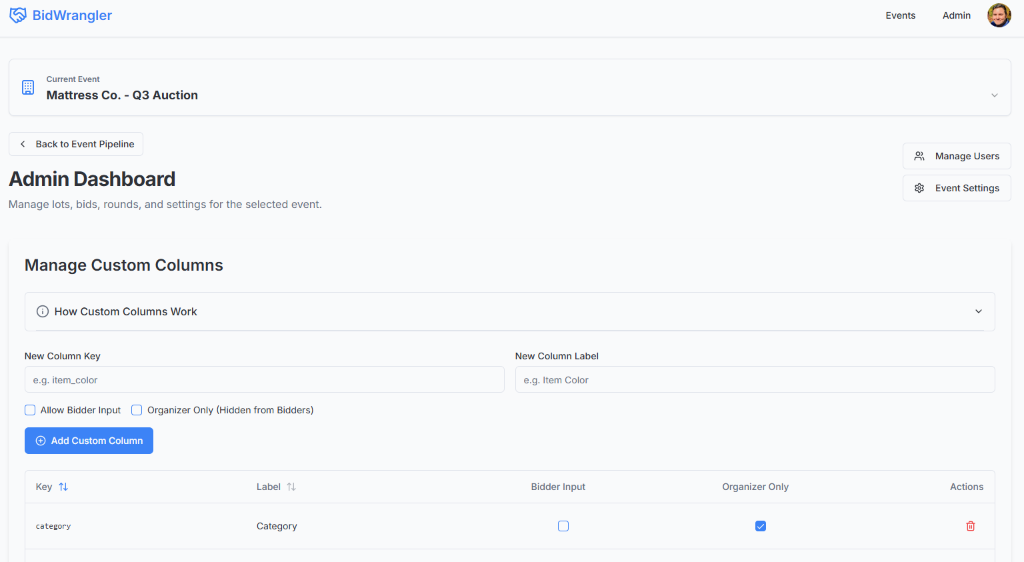
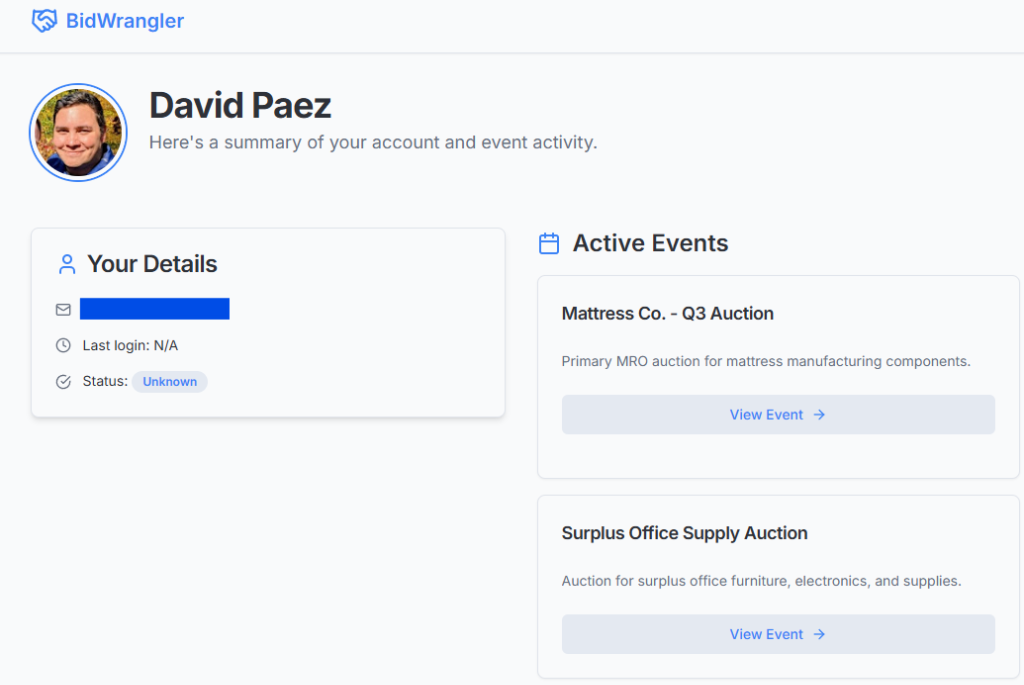
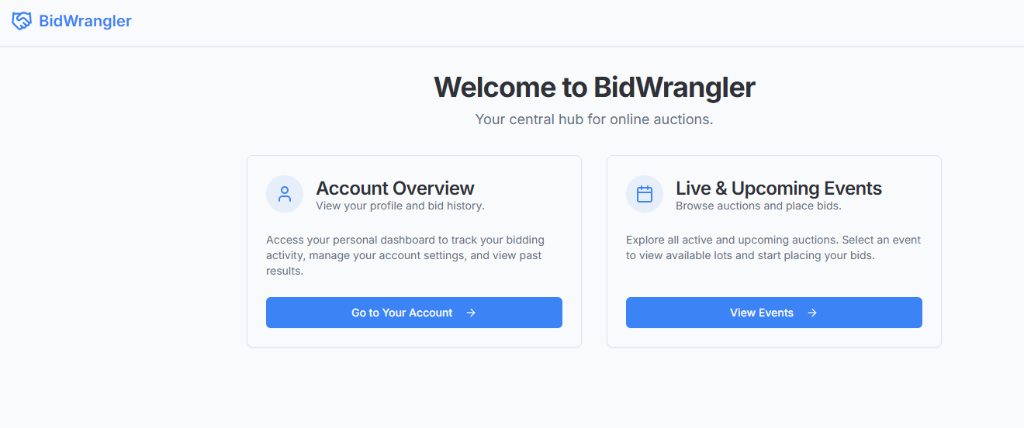
This document provides a comprehensive overview of the features available in the BidWrangler application for both bidders and administrators. It's an entire RFx management site designed to streamline auctions and bids. After an unexpected layoff, I was not able to get the project into production.
Bidder Features
These features are available to all authenticated users.
1. Authentication
- Secure Sign-in/Sign-up: Users can create an account and log in using their email and password or with their Google account for quick access.
- Session Management: The application keeps users logged in securely, providing a seamless experience across sessions.
2. Auction Dashboard
- Active Round Display: The main auction page prominently displays the currently active or paused bidding round, including its name, description, and scheduled start/end times.
- Clear Status Indicators: Bidders are clearly informed whether bidding is
currently open (
active) or temporarily closed (paused).
3. Lot Bidding
- Paginated Lot View: Lots are presented in a clean, paginated table, making it easy to browse even with hundreds of items. Users can change the number of lots displayed per page.
- Sortable Columns: Bidders can sort the lot list by various attributes, including Lot Name, Description, and any custom columns provided by the organizer, to find items easily.
- Individual and Bulk Bidding: Users can enter bid amounts for multiple lots on the same page and submit them all at once with a single click.
- Custom Bidder Inputs: If an admin has designated a column for "Bidder Input" (e.g., "Notes"), bidders can enter their own text or data alongside their bid amount.
- Bid Withdrawal: Bidders can withdraw their bid from a lot with a single click, provided the event organizer has enabled this feature.
4. Bid Management Tools
- Download Bidding Sheet (CSV): Users can download a personalized CSV file of all available lots. This sheet comes pre-filled with their current bids and any custom data they have entered, making it a perfect template for offline review or bulk bid preparation.
- Upload Bidding Sheet (CSV): Bidders can upload their completed CSV file to place or update multiple bids at once, streamlining the process for power users.
Administrator Features
These features are available only to users whose email is on the authorized admin list.
1. Admin Dashboard Overview
- Centralized Management: A single dashboard provides access to all administrative functions.
- Quick Links: Easily navigate to the User Management page or open Event Settings.
2. Custom Column Management
- Define Custom Lot Fields: Admins can create any number of custom data columns to tailor the auction to their specific needs (e.g., "Category", "Unit of Measure", "SKU").
- Bidder Input Toggle: For any custom column, admins can check "Bidder Input" to allow bidders to provide their own value for that field when they place a bid (e.g., for notes, comments, or specifications).
- Organizer Only Toggle: Admins can mark columns as "Organizer Only". These columns and their data are visible only to other admins in the dashboard and are hidden from all bidders and bidder-facing downloads. This is perfect for internal notes or tracking information.
3. Lot Management
- Paginated Lot View: Just like the bidder view, the admin lot table is paginated to handle a large number of lots efficiently.
- Create and Edit Lots: Admins can edit any lot's details, including its name, description, round assignment, and any custom field values, through an intuitive pop-up form.
- Delete Lots: Admins can permanently delete lots. This action also removes all associated bids.
- Bulk CSV Upload/Download:
- Download a Template: Admins can download a complete CSV of all lots, which serves as a perfect template for bulk updates.
- Upload for Creation/Updates: Admins can upload a CSV file to create new lots or update existing ones based on their ID.
4. Round Management
- Create & Manage Auction Rounds: Admins can define distinct bidding rounds, each with its own name, description, and optional start/end times.
- Control Round Status: Admins can control the flow of the auction by
changing a round's status between:
upcoming: The round is prepared but not yet open.active: The round is open, and bidding is allowed. (Only one round can be active at a time).paused: The round was active but is now temporarily closed for bidding.completed: The round is finished and closed permanently.
5. Bid and User Monitoring
- View All Bids: A comprehensive table lists every bid placed across the entire event, including the Lot ID, Lot Name, bidder email, amount, timestamp, and any custom data provided by the bidder. This table is searchable and sortable.
- Download All Bids: Admins can download a complete CSV export of all bids for auditing or offline analysis.
- View All Users: A dedicated page lists all registered users, their role, status, creation date, and last login time. It also shows a real-time "online" or "offline" presence indicator.
6. Global Event Settings
- Allow Less-Competitive Bids: Admins can toggle a setting that allows bidders to place bids that are lower than the current highest bid on a lot.
- Allow Bid Withdrawal: Admins have master control over whether bidders are allowed to withdraw their own bids.
- Purge All Bids: A protected, destructive action to permanently delete every bid from the event. This is useful for resetting an event or clearing test data.
- Download Audit Log: Admins can download a complete CSV log of all significant actions taken in the system, such as user logins, bids placed/updated, and bid purges, providing a full audit trail.